Beast of Reincarnation v1.1.02: What to Recheck Before Your Next Run
A practical guide to Beast of Reincarnation's October 25 v1.1.02 update: campsite outfits, Growth Boost, New Game Plus carryover, and revised enemy attacks.
The October 25 v1.1.02 update is the ninth post-launch update for Beast of Reincarnation. It adds campsite outfit changes, outfit-pattern variants to regional exploration, equipment and cosmetic carryover for New Game Plus, and a Grow Chamber Growth Boost. It also revises boss attack patterns, enemy attributes, and several combat inputs. This is a guide to checking those systems in your own save, not a promise that every encounter now plays the same way.
Check the build before changing your route
Start by confirming that the game has updated to v1.1.02. A run recorded before the patch can still be useful for story progress, but it is a poor comparison point for boss timing or crop growth. If you keep notes, record the platform, build, difficulty, and whether you are on New Game or New Game Plus. That small label prevents a common mistake: treating a changed move as a personal timing error when the attack set itself has changed.
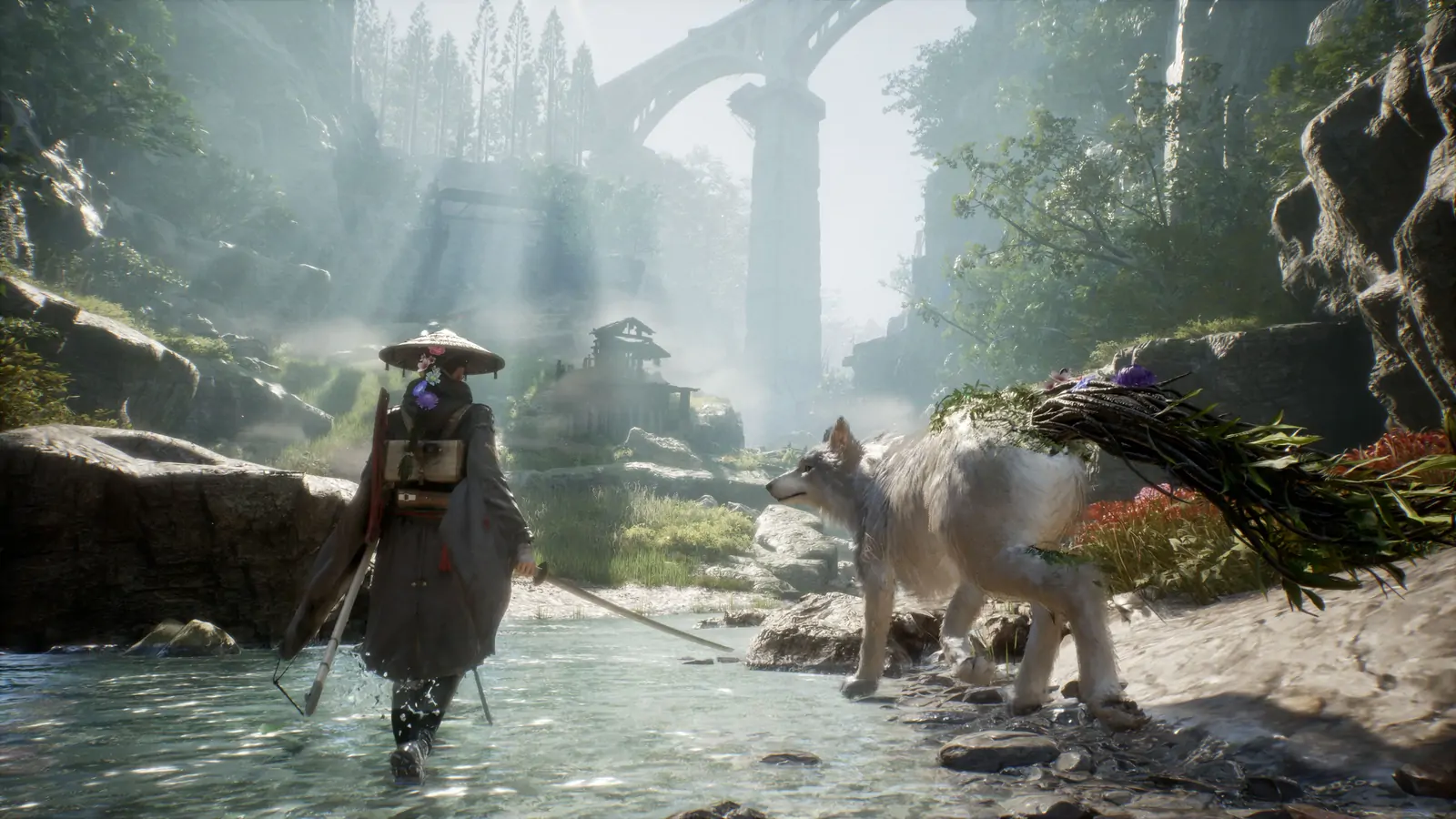
Do not reset a save just to see the new options. Visit a campsite or the Bed Menu inside the Cleanse Walker and check whether the outfit control is available. The update allows Emma’s outfit to be changed at both locations. Outfit-pattern variations are found throughout regions, so a newly collected pattern expands the appearance choices; it is not a weapon stat or a hidden combat buff. Keep appearance tests separate from equipment comparisons.
Use Growth Boost as a return-trip tool
The Grow Chamber’s new Growth Boost is earned through defeating enemies and can speed up crop growth. Treat it as a limited convenience rather than a permanent passive multiplier. Before spending a use, check which crop is already planted, whether the next visit is likely to be a long exploration segment, and whether the crop has a recipe or upgrade purpose you actually need. If you are about to leave the Cleanse Walker for only a short errand, waiting may be more efficient than boosting a nearly finished crop.
The same patch improves the chamber’s Auto behavior: when Auto is enabled and you own seeds, at least one seed is guaranteed to be planted. That does not mean every seed is planted or that every crop is immediately ready. After returning, verify the actual plot state and inventory before planning a recipe around it. If the chamber appears empty, check that you have seeds and that Auto is turned on before assuming the patch failed.
Relearn boss tells instead of forcing an old script
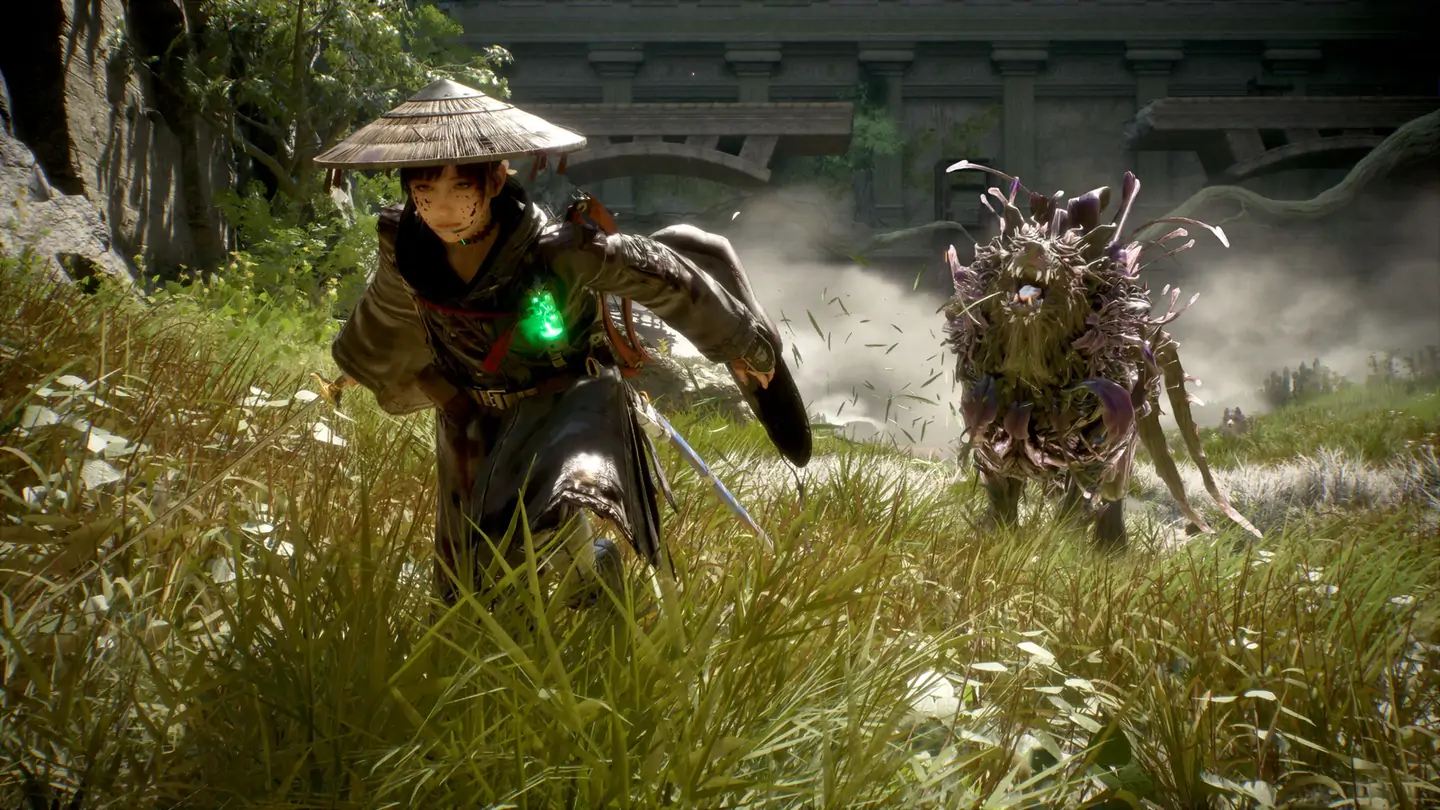
The update adds boss moves, changes some attack patterns, adjusts regular-enemy and Nushi attributes, and rebalances selected Bloom Arts and Blade Arts. The right response is to watch a full cycle before committing to a memorized punish. Look for the wind-up, the attack’s reach, whether the move tracks Emma, and the recovery window. Then test one defensive answer at a time: guard, dodge, or parry. If you change your skill loadout at the same time, you will not know which change caused the result.
The guard input now uses a continuous trigger: press and hold for the guard action. This is a meaningful controller habit change. On your first fight after updating, enter with a low-cost goal: defend through a sequence and identify one safe response. Do not hold guard automatically through every attack, because a hold is an input behavior rather than a guarantee that a move can be safely absorbed. Check whether a strike is a guardable hit, a timing test, or a move better avoided.
Carry a ranged weapon through an attack string
Ranged weapons can now be switched during regular attacks and while in Iaido stance. Use the flexibility to respond when an enemy creates distance, but do not let the option turn every combo into a menu exercise. Establish a simple loop: begin with the weapon or Blade Art that fits the opening, continue the attack string while the target is exposed, and switch only when the enemy’s position or recovery makes the ranged option useful. If your input appears ignored, reproduce it once in a calm encounter and confirm the stance state before concluding that the control is broken.
Slash targeting has also been improved for vertical direction. When testing a change, aim deliberately at the target’s height and compare the same attack from the same distance. Camera angle, elevation, and enemy movement can make a hit appear inconsistent, so record a short sequence rather than judging from one swing. For broader loadout planning, use the skills hub and Koo Bloom Arts guide.
Prepare New Game Plus without overplanning
The update supports carrying equipment, outfits, and skins into a New Game Plus start. Before beginning that loop, finish any regional pickup you personally want in the current run, then note which gear and cosmetic options are already unlocked. Do not assume every collectible, quest flag, or story choice carries over: the announcement names equipment, outfits, and skins, not every category in the save. Make a separate checklist for anything else that matters to you and verify it after starting the new file.
The optional story-progression shortcut introduced in an earlier update can make a repeat run faster, but it can also affect achievements associated with skipped zones. If completion matters, compare the current route with the chapter guide before choosing the shortcut. A strong New Game Plus plan is simply one that matches your goal: fast story replay, region cleanup, or combat practice.
A safe first-session checklist
After installing v1.1.02, check the build number, test the held guard input, inspect the outfit menu, review available patterns, and look at the Grow Chamber before spending a boost. In combat, take one boss at a time and watch for newly adjusted moves. In New Game Plus, confirm carryover from the new file instead of relying on memory. These checks let you benefit from the update while keeping unconfirmed behavior out of your notes.
If you encounter a crash, progression blocker, or control issue, record the platform, build, region, and exact sequence before trying fixes. A useful bug report is more valuable than changing several settings at once. The PC crash triage guide covers a separate troubleshooting workflow.