Beast of Reincarnation Share the Library Before You Buy a Second Copy
Beast of Reincarnation is on Steam Family Sharing and Steam Cloud. What a shared library can try, and what the $59.99 listing still costs.
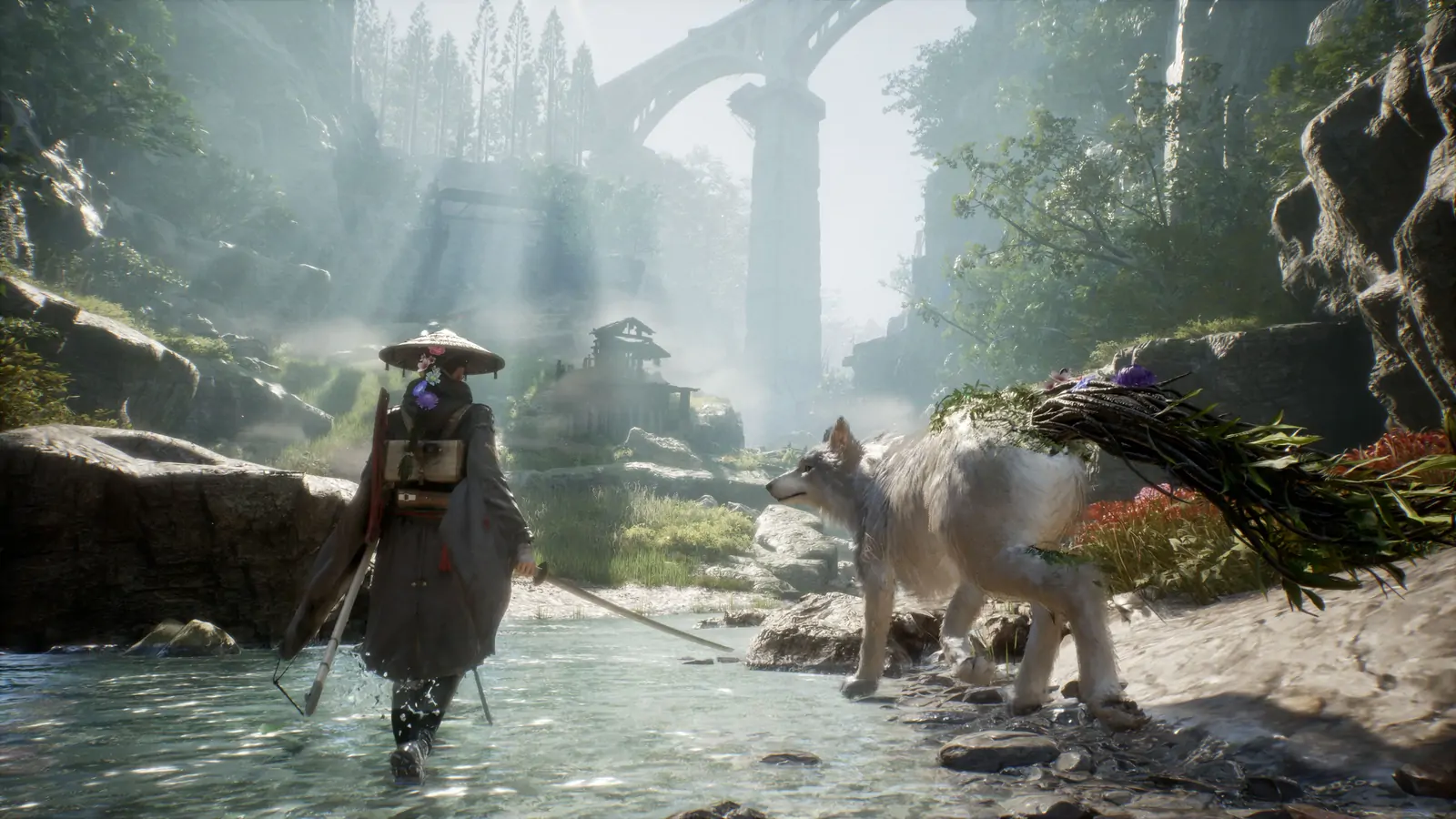
Steam lists Family Sharing and Steam Cloud on Beast of Reincarnation. That is the practical answer to a household that is not sure about a Mixed-score action RPG at full price. One library can lend the game. The other person does not need a second $59.99 purchase to find out whether the parry and the dog are enough.
The listing checked October 20, 2026 was still $59.99, discount 0%. Reviews were Mixed: 3,780 positive out of 6,399. The game has been out since August 4, 2026. Family Sharing does not change that score. It changes who has to pay to see it.
What the store page actually offers
App 2001760 is a Windows single-player game on Steam. The same page lists full controller support, Steam Achievements, Steam Cloud, adjustable difficulty, and Family Sharing. It does not list multiplayer, co-op, or PvP. A shared library is two people taking turns with one single-player file, not two people in the same fight.
Steam Cloud means the save is not stuck on one PC if the account that owns the game moves machines. It does not mean a borrower and an owner can play the same save at the same time. Family Sharing’s ordinary rule still applies: if the owner starts playing, the borrower can be asked to stop. Plan the evening around that. Do not start a boss on a borrowed copy five minutes before the owner wants the library back.
There are 46 achievements. On October 20, ACH_PURIFIER was at 94.6% and ACH_BEAST_OF_REINCARNATION was at 27.2%. Those pops belong to the Steam account that earns them. A borrower should not expect the owner’s achievement list to be the one that moves, or the reverse. Check which account is signed in before you care about a rare pop like ACH_BEST_BUDDY at 7.3%.
Who should borrow it first
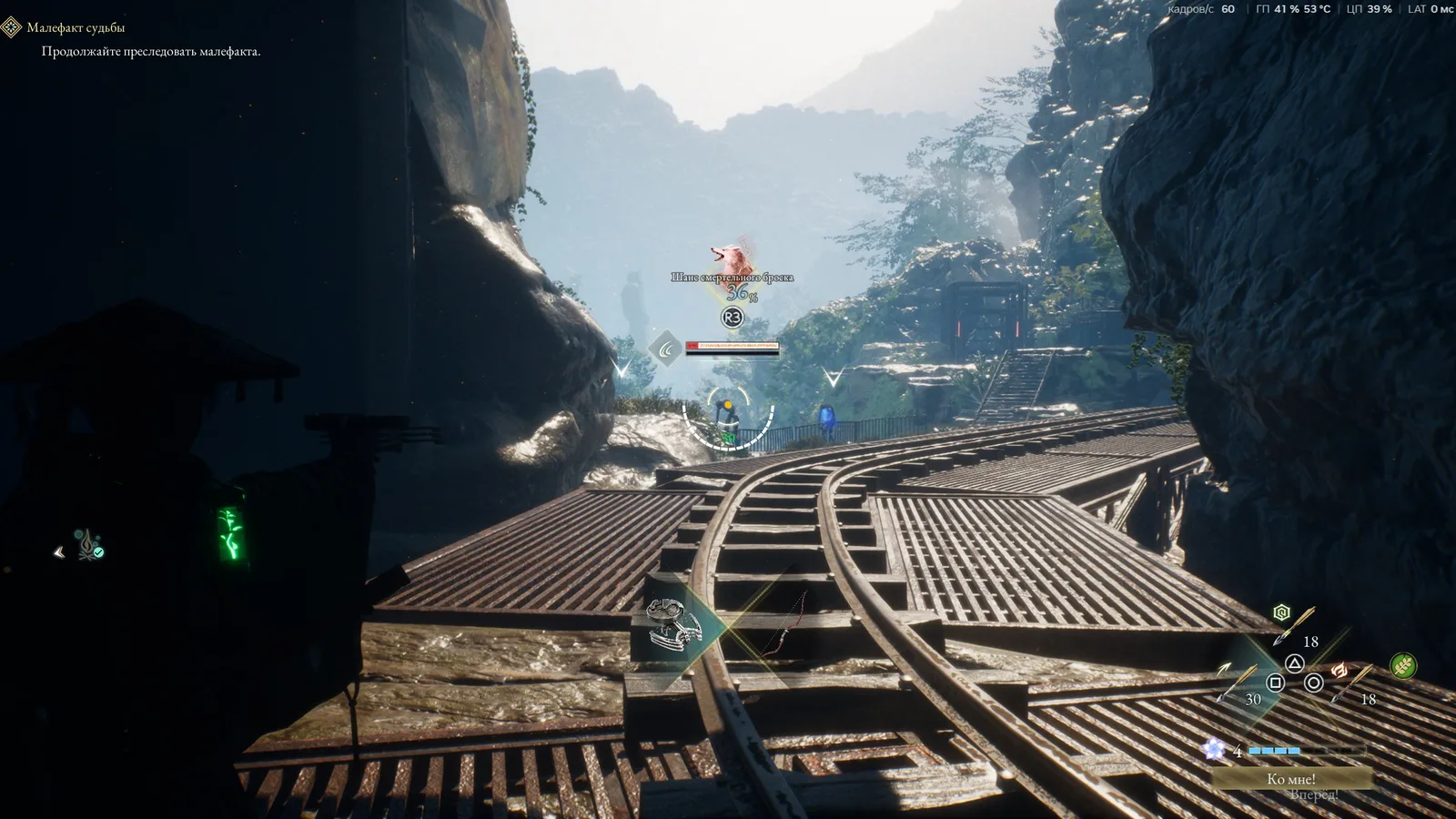
Borrow it if the only open question is the camera or the combat loop. v1.1.01 added a field-of-view slider and a skip-prompt toggle. A borrowed evening is long enough to set the slider, parry one beast, and decide. It is not long enough to finish three zones and the Capital unless you already know you want the game.
Buy it if the borrowed evening worked and you want the save on your own account. Cloud saves follow the account that owns the progress. A file started on a borrow can be awkward to keep if the owner needs the library back every night. Own it when the dog and the parry are no longer a question.
Do not buy a second copy so two people can play at once. The store page does not sell that. Game Pass is the other door, and it was a day-one Xbox and PC Game Pass title. If one of you already pays for that subscription, use it. Family Sharing is the Steam-library door. Game Pass is the subscription door. Neither one is a local co-op mode.
What to do in the borrowed hour
- Confirm the install is v1.1.01 or newer. The eighth patch is the one with the field of view. A launch-week camera is not the current complaint.
- Set field of view, then fight one ordinary enemy. If you cannot see the swing, the slider is the fix. Story difficulty is not.
- Do not take Hasten to the Capital on a file you might want to keep. That skip blocks New Game achievements in Pilgrim’s Zone, Matsukawa Colony Zone, and Fuji Frontier Zone. A borrowed test does not need three zones. It also should not burn them.
- Stop before a long boss if the owner may need the account. A cloud save does not pause a Family Sharing lockout.
- If the hour was enough, buy it on the account that will keep the file. If it was not, you just saved $59.99.
Minimum spec is still 16 GB of RAM, a GTX 1070 or RX 580, and 45 GB on an SSD. Family Sharing does not shrink that. A laptop under the line will make a good game look broken. Check the machine before you blame the Mixed score.
The Deluxe upgrade is a separate $9.99. It adds skins, a hat, Big Dipper, 100,000 Amber, and seedlings. Do not add it to a borrow. Add it after the base game has already earned the purchase.
Languages include English and Japanese audio, plus a long subtitle list. Controller support is listed as full. A household that shares a couch can try it on a pad without buying a second keyboard. That is the use of the feature list. The $59.99 price is what you pay when the try becomes a keep.
One more pass before you close the menu
The numbers on this page were checked against the October 20, 2026 Steam listing, not against a launch-week memory. Price, review count, achievement total, and the patch lines named above are the facts to plan a session around. A thumbnail that contradicts them is a thumbnail. Play the build you have. Write down the result in the game’s own words. Then decide whether the next door, the next bind, or the next purchase is the one this page was about.
If the machine is under the minimum spec printed on the store page, fix that before you fix the tactic. An SSD requirement is a disk requirement. A RAM number is a RAM number. A driver popup is a driver popup. None of those become optional because a guide got longer. The tactic still matters after the machine holds a frame. It does not matter during a hitch you mistook for an enemy tell.
Stop when the one test in the list above has a yes or a no. A second system, a second cosmetic, and a second difficulty change in the same minute will make the yes useless. Come back for the second change after the first one is written down. The rest of the site can wait until that note exists.