Beast of Reincarnation Crashes
Beast of Reincarnation crashes and stutter on PC: what each patch fixed from v1.0.7 to v1.1.01, plus what to report if it still crashes.
Crash and stutter reports have followed Beast of Reincarnation since its 3 August 2026 PC launch. Eight patches later, most of the common causes have a fix. Use this checklist before you assume a corrupt save.
Current state
On 15 October 2026 Steam shows 1,424 positive of 2,166 English reviews (Mixed, 66%) and 3,767 of 6,375 across all languages (Mixed, 59%). The standard edition is $59.99; there are 46 achievements.
Fixes by patch
| Patch | Performance and stability |
|---|---|
| v1.0.7 | Cutscenes default to Performance (not 24 fps Cinematic); camera adjustments |
| v1.0.8 | DLSS 4/4.5 and FSR 4 support; camera distance options |
| v1.0.9 | Ultrawide support; DLSS/FSR frame generation; upscaling fix for the Microsoft Store/Xbox PC version |
| v1.0.10 | Film Grain and Chromatic Aberration toggles; post-processing toggle in cutscenes |
| v1.0.12 | Frame generation options adapt to RTX 40/50 GPUs; DLSS-Dynamic frame-rate target on 120 Hz+ monitors |
| v1.1.01 | Effect generation load distributed for better overall performance; environment collision fixes |
Checklist
- Update to v1.1.01.
- Crash on boot: verify files, update GPU drivers, and disable overlays.
- Crash in cutscenes: set cinematic mode to Performance and avoid rapid skipping (a documented soft-lock cause).
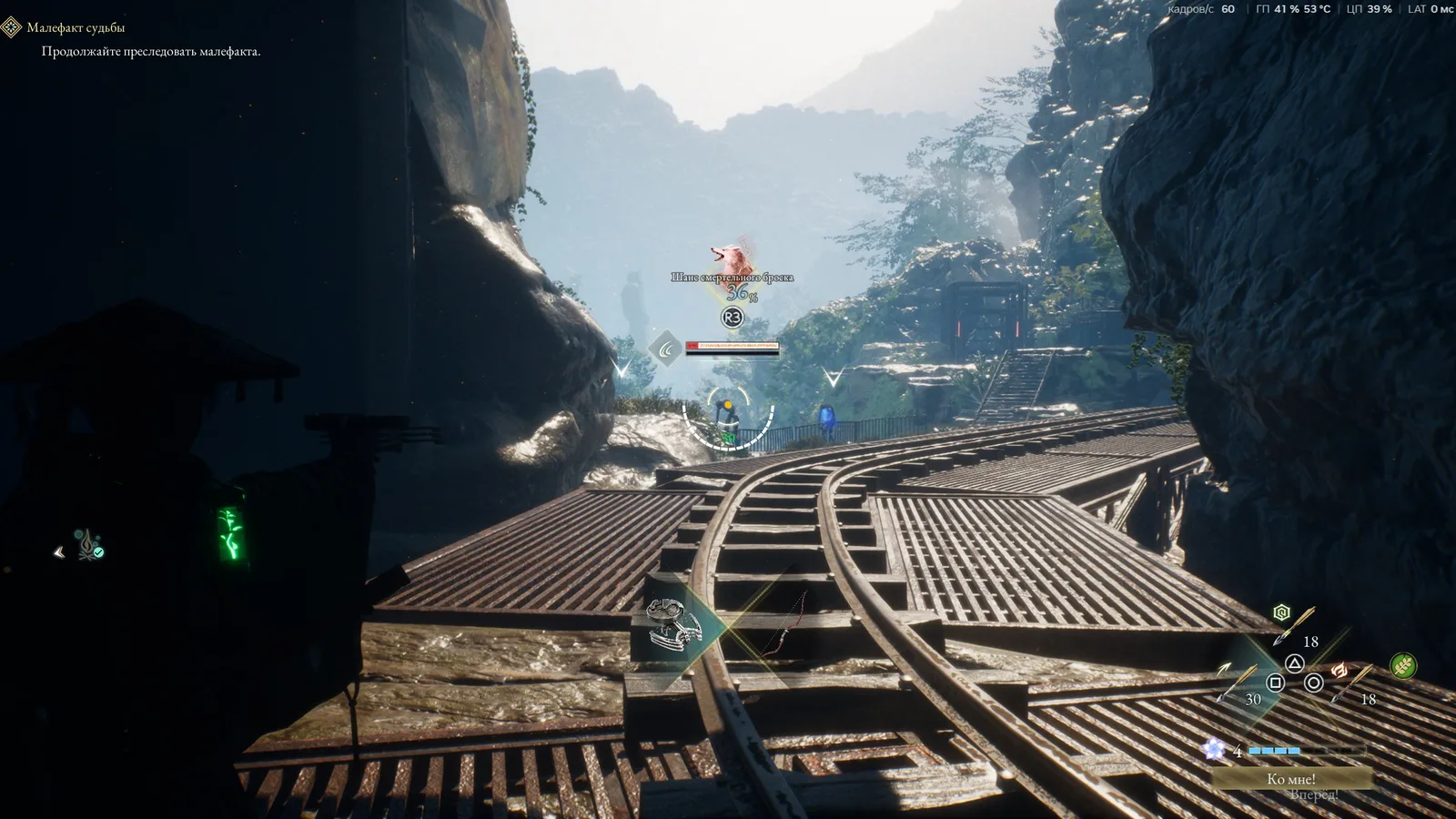
- Stutter in combat: turn off frame generation first, then lower effects – Bloom Arts and Malefact swarms are the heaviest scenes.
- Xbox PC app users: make sure you are past v1.0.9, which fixed missing upscaling options.
Still crashing?
Note the region, whether Koo’s Bloom Arts were active, and your GPU, then file a ticket with Fictions support. The next patch, planned for around 19 October, is the last in the current frequent-update phase.